
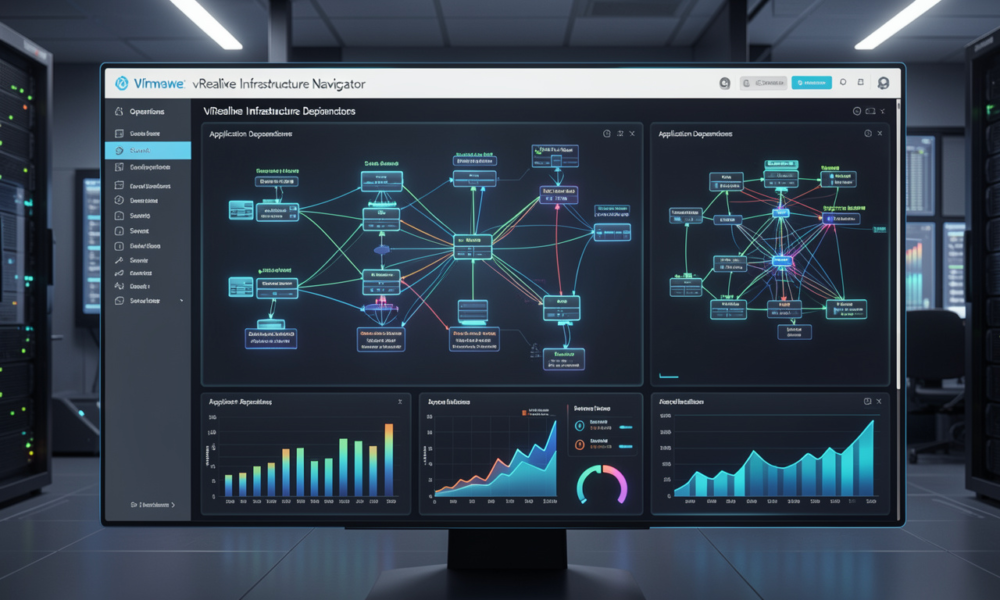
In the modern software-defined data center (SDDC), complexity is the only constant. As organizations migrate to hybrid cloud environments and embrace microservices, the web of connections between virtual machines, databases, and third-party services becomes nearly impossible to track manually. This is where vRealize Infrastructure Navigator steps in as a critical component of the VMware management suite. It offers administrators the “eyes” they need to see exactly how applications interact across the virtual landscape.
Understanding your infrastructure is no longer just about knowing which host a VM resides on; it is about knowing which services that VM provides and which upstream dependencies it requires to function. Without this clarity, simple tasks like patching a server or migrating a workload can lead to catastrophic outages.
What is Automated Dependency Mapping?
At its core, the tool provides automated discovery and visualization of application-level dependencies. Unlike traditional inventory tools that look at hardware specifications, this solution looks at the traffic and communication patterns between systems.
When you deploy vRealize Infrastructure Navigator, it begins by “listening” to the virtual network. It identifies common services—such as Microsoft Exchange, Oracle databases, or web servers—and maps how they talk to one another. This mapping is dynamic. If a new application tier is added or a service is moved, the map updates to reflect the current state of the environment.
The Strategic Value of Visibility
Why do enterprises invest in such granular visibility? The reasons generally fall into three categories: risk management, troubleshooting, and compliance.
1. Impact Analysis and Change Management
Before a system administrator takes a virtual machine offline for maintenance, they must answer a vital question: “What will break if I turn this off?” In a complex environment, a single VM might be the authentication gateway for five other applications. This software allows the admin to perform an impact analysis, showing every dependent service in a visual graph.
2. Faster Troubleshooting
When an application slows down, the problem is rarely where it appears to be. A slow web front-end might be caused by a congested database on a completely different cluster. By using the relationship maps provided by the navigator, IT teams can trace the performance bottleneck through the entire application stack, identifying the root cause in minutes rather than hours.
3. Disaster Recovery (DR) Planning
One of the most powerful use cases for vRealize Infrastructure Navigator is integration with VMware Site Recovery Manager (SRM). To build an effective DR plan, you must know the correct boot order for your VMs. You cannot start the application server before the database is live. The navigator identifies these relationships automatically, allowing you to build recovery groups that mirror the actual functional dependencies of your business services.
Technical Architecture and Deployment
The tool is typically deployed as a virtual appliance within the vCenter environment. It leverages the VMware Tools framework to gain insight into the guest operating system without requiring heavy agents. This “lightweight” approach is essential for maintaining performance in high-density environments.
Key Components:
- The Management Engine: Handles the logic of service identification.
- Discovery Plug-ins: Pre-defined signatures for hundreds of common enterprise applications.
- vCenter Integration: Seamlessly attaches to the vSphere Web Client, providing a “Maps” tab directly on the VM inventory object.
Best Practices for Modern Data Centers
To get the most out of your infrastructure mapping, follow these strategic guidelines:
- Standardize Naming Conventions: While the tool identifies services based on ports and traffic, having clean metadata in vCenter makes the visual maps much easier for human teams to read.
- Audit Your “Dark” Services: Use the navigator to find services that are running but shouldn’t be. Often, decommissioned apps leave behind “ghost” services that consume resources and create security holes.
- Integrate with Operations Manager: For the ultimate view of health, combine dependency data with performance metrics. Seeing that a link is “down” is helpful; seeing that a link is “congested and causing latency in the finance app” is actionable.
Security and Compliance Benefits
Security teams find immense value in vRealize Infrastructure Navigator because it highlights unauthorized communication. If a web server in the DMZ suddenly starts communicating with a sensitive HR database, the navigator will visualize that link. This visibility supports “Zero Trust” initiatives by documenting exactly which ports and protocols are necessary for business, allowing firewall teams to lock down everything else.
Furthermore, for regulatory compliance (like PCI-DSS or HIPAA), having a current, automated map of how data flows through the environment is often a requirement. Manual diagrams are out of date the moment they are printed; automated maps are always audit-ready.
The Evolution Toward vRealize Operations
It is important to note that VMware has evolved its branding and product structure. Much of the functionality originally found in vRealize Infrastructure Navigator has been integrated into the broader vRealize Operations (now VMware Aria Operations) platform.
This integration means that dependency mapping is no longer a standalone silo. It is now part of a holistic “Self-Driving IT” strategy. The goal is to move away from reactive mapping toward proactive optimization, where the system itself suggests where a workload should live based on its proximity to the services it depends on.
Conclusion: Why Dependency Mapping Matters
In the race to digitize, many companies have built “spaghetti” architectures—tangled, messy, and fragile. vRealize Infrastructure Navigator acts as the blueprint for this complexity. It turns a list of names into a functional map of business value.
By automating the discovery of application relationships, IT departments can reduce downtime, accelerate migrations, and ensure that their disaster recovery plans actually work when needed. Whether you are managing a few hundred VMs or a massive global footprint, knowing your dependencies is the difference between a controlled environment and a chaotic one.
As you look toward the future of your private or hybrid cloud, ensure that visibility is at the top of your priority list. Tools like vRealize Infrastructure Navigator provide the foundation for a more resilient, secure, and efficient digital enterprise.